Most compliance platforms are built for one company running its own program. Consultancies, managed security providers and fractional CISOs work differently: one person supports five, ten or twenty programs at once, each with its own systems, auditors, deadlines and sensitivities. Bolting that onto a single-tenant tool means separate logins, no overview and a constant risk of looking at — or worse, uploading into — the wrong client.
InsightAssure was built by VerticalServe for exactly this model: VerticalServe runs its own SOC 1 and SOC 2 program in it, and runs clients' programs alongside. This post explains how that works.
One workspace per client
Every client is its own organization (workspace). Its frameworks, controls, evidence, integrations, people, vendors, risks, audits and Trust Center belong to it and nobody else.
A consultant holds a separate account in each client they support, with the same email. Signing in once gives them a workspace switcher; switching issues a new session in the other workspace — there is no "global admin" view that mixes clients' data.
Isolation you do not have to trust the application for
Every product table carries an organization column, and every API route filters by the caller's organization — a guessed id from another client answers 404, exactly like a missing one.
That is the first line. The second is in the database: row-level security on every product table. Each transaction pins the session to the caller's organization (assure.org); the policy shows a session only its own organization's rows. A query that forgets its filter still cannot read or write another client's data, and a session with no organization pinned sees nothing at all. Background work (syncs, monitors, reminders) uses an explicit system session that the request path cannot obtain, and statements that try to change the pinned organization by hand are refused before they reach Postgres.
The end-to-end test suite checks both layers: the API returning 404s for another organization's ids, and a raw SQL session pinned to one organization counting zero rows of another's.
Portfolio: every client at a glance
The Portfolio page lists every workspace the signed-in email has an active staff account in (admin, compliance, contributor or viewer — not employee-only or auditor-only accounts): readiness per framework, controls passing, failing, needing evidence and not started, open and critical issues, and audits in flight. Click a row to switch into that client.
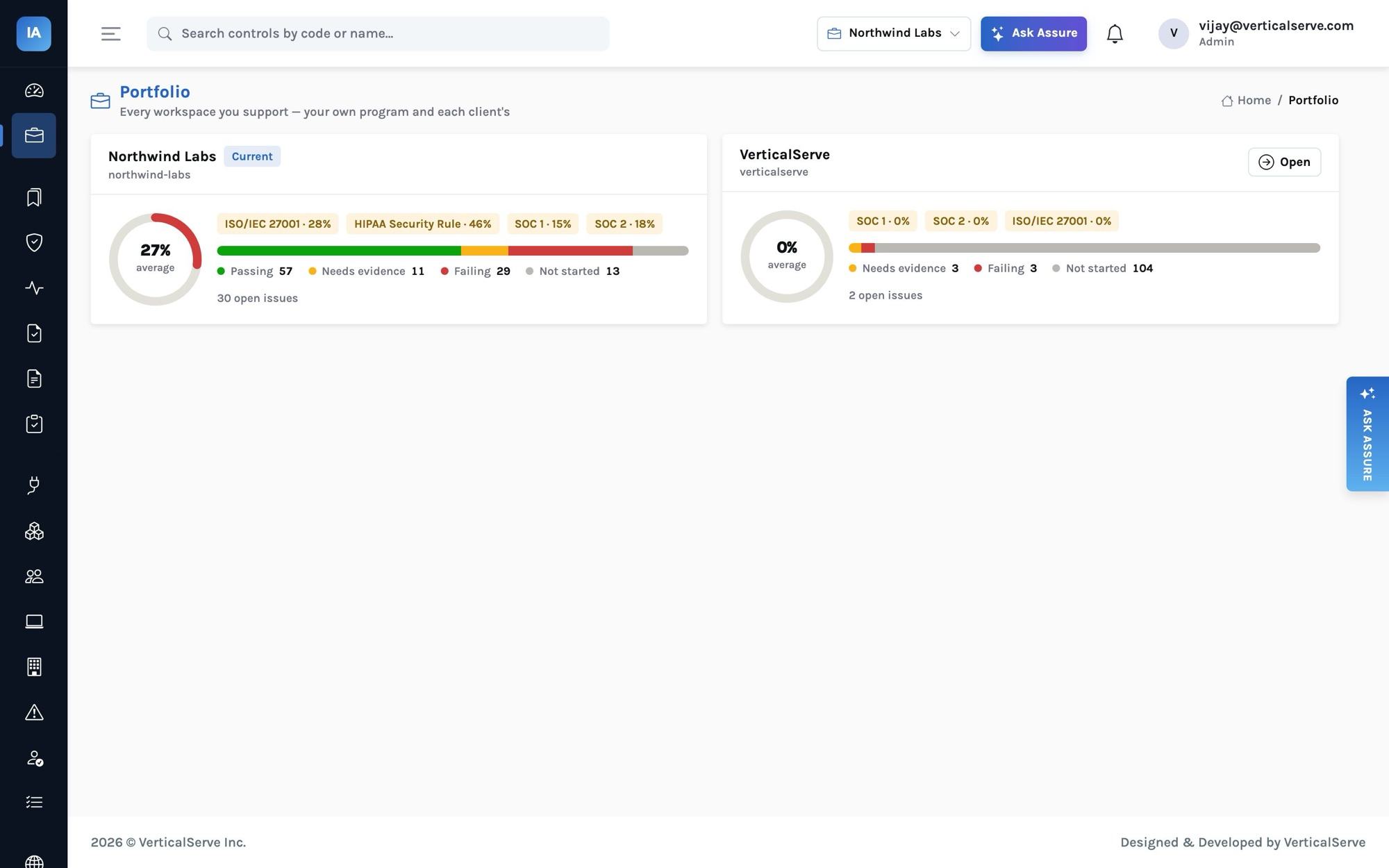
It is a summary, not a back door: it shows counts and statuses, and opening anything means switching into that workspace with that workspace's role.
Roles that match how the work is split
| Role | Who | Can |
|---|---|---|
admin |
the client's IT or security lead | everything, including users and integrations |
compliance |
the consultant, the client's compliance manager | run the program: frameworks, controls, policies, evidence, vendors, risks, audits, Trust Center |
contributor |
control owners at the client (engineers, HR, IT) | work assigned controls, evidence, issues and access-review items; read the rest |
viewer |
executives, board observers | read |
employee |
everyone else at the client | the employee portal only: accept policies, take training, enroll a device |
auditor |
the CPA firm or certification body | only the audits they were invited to |
A consultant typically holds compliance in each client and leaves admin with the client. Role checks read the roles stored in the database for that account, not just the claims in the token, so a demotion takes effect on the next request.
Onboarding a new client in a day
A realistic first day for a new SaaS client:
- Create the workspace and its first administrator (one command for SaaS; the installer for self-hosted). Add the consultant with the
compliancerole. - Run onboarding: adopt SOC 2 (and SOC 1, ISO 27001 or HIPAA as needed), create the 23 policies from templates with the client's name filled in, load the 47-risk library and the 83-answer knowledge base.
- Connect integrations with the client's admin on a call — identity provider, HR, cloud, source control, ticketing. Each connector's page lists the read-only permissions; for AWS the client creates a role trusting the deployment's account with an external ID, so no long-lived keys change hands.
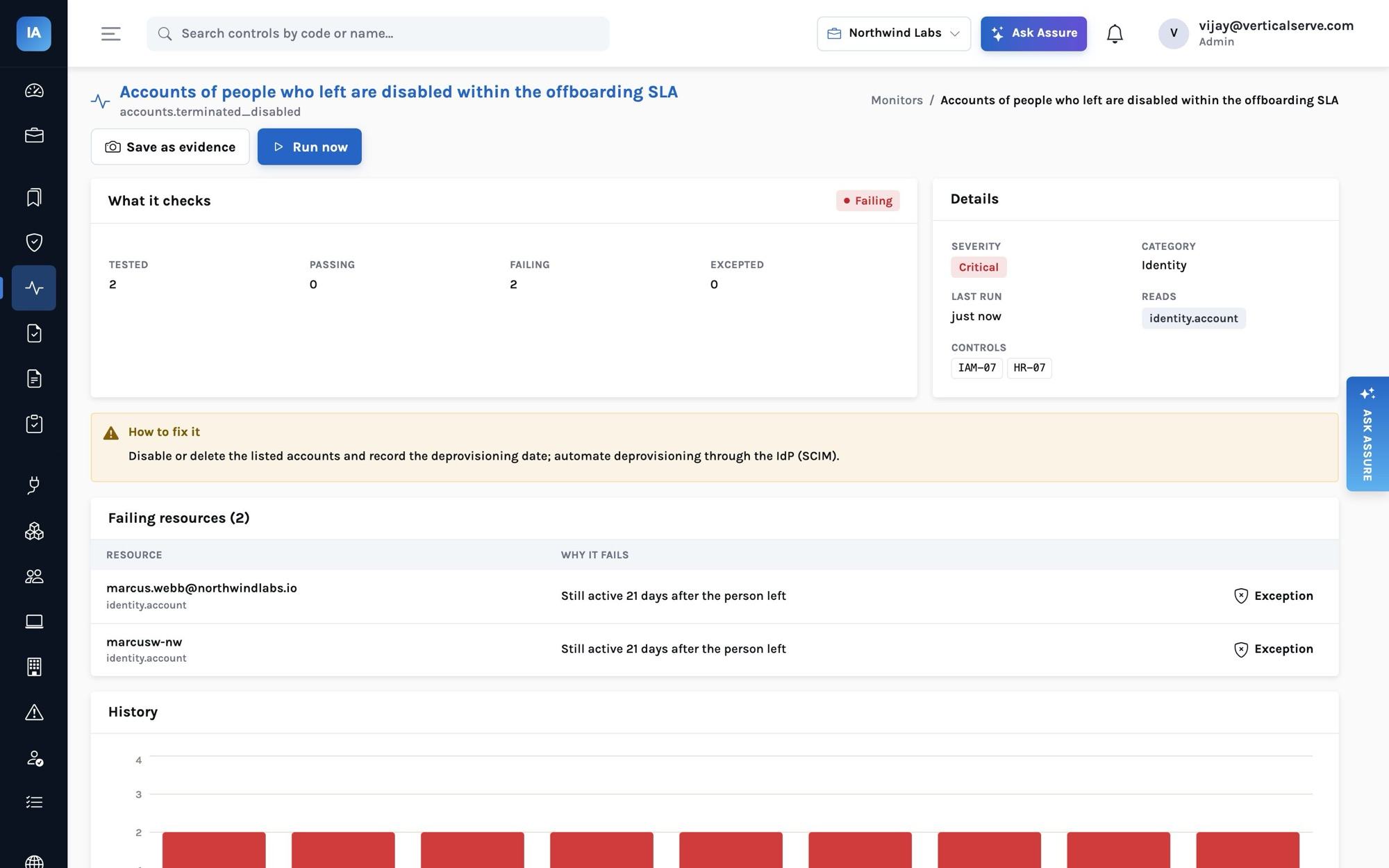
- Read the first monitor run together. The failing list is the readiness plan, already prioritized by severity and already turned into issues with owners and due dates.
- Invite employees to My tasks; they accept policies, take the security awareness course (with a quiz) and install the device agent with their personal enrollment key.
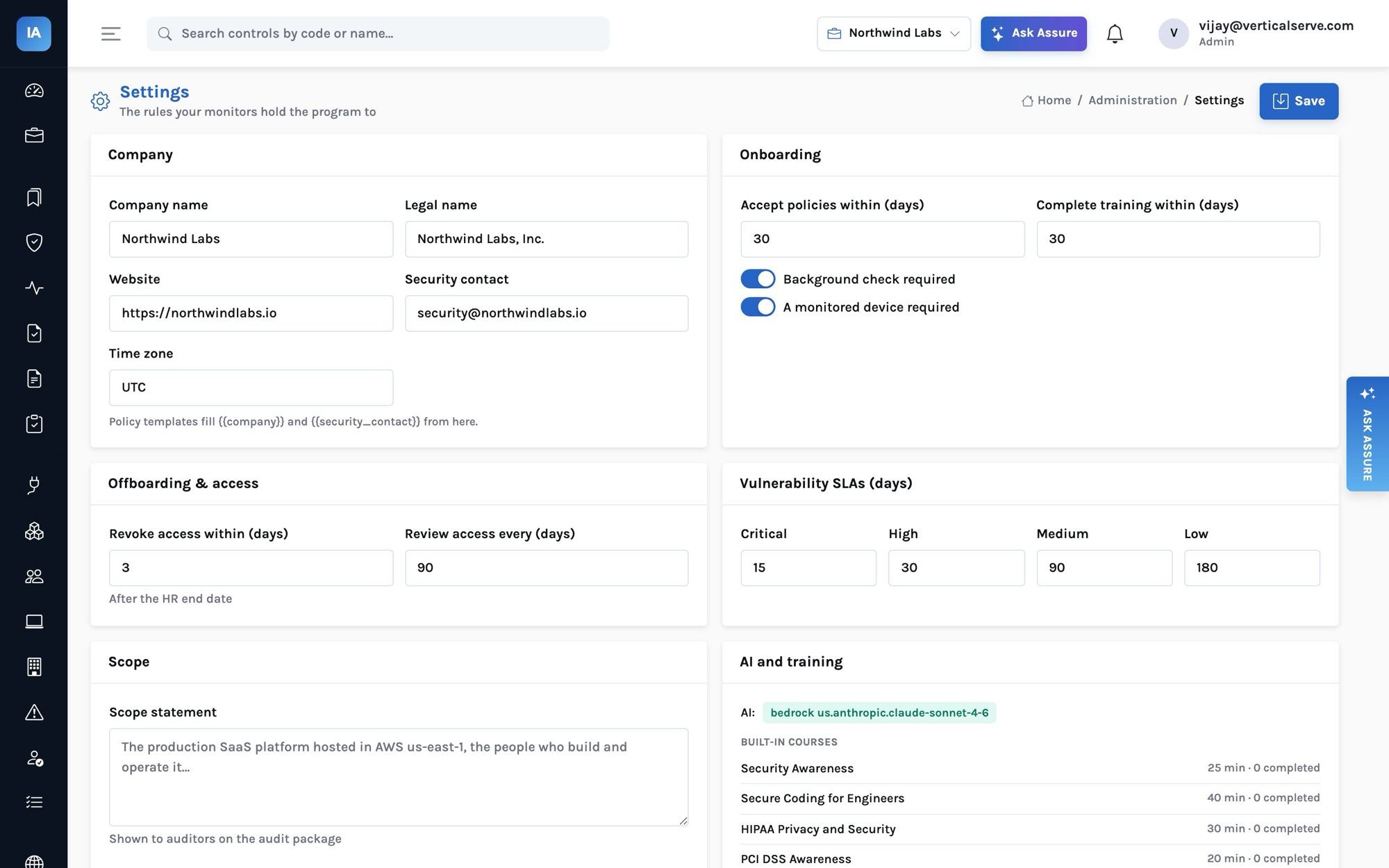
By the end of the day the client has a complete skeleton and an honest gap list. The weeks that follow are the client's engineering work, which no tool removes — but the consultant's time goes into judgment rather than spreadsheets.
The consultant's week
- Monday: Portfolio — which clients regressed (a new failing monitor usually means a configuration change).
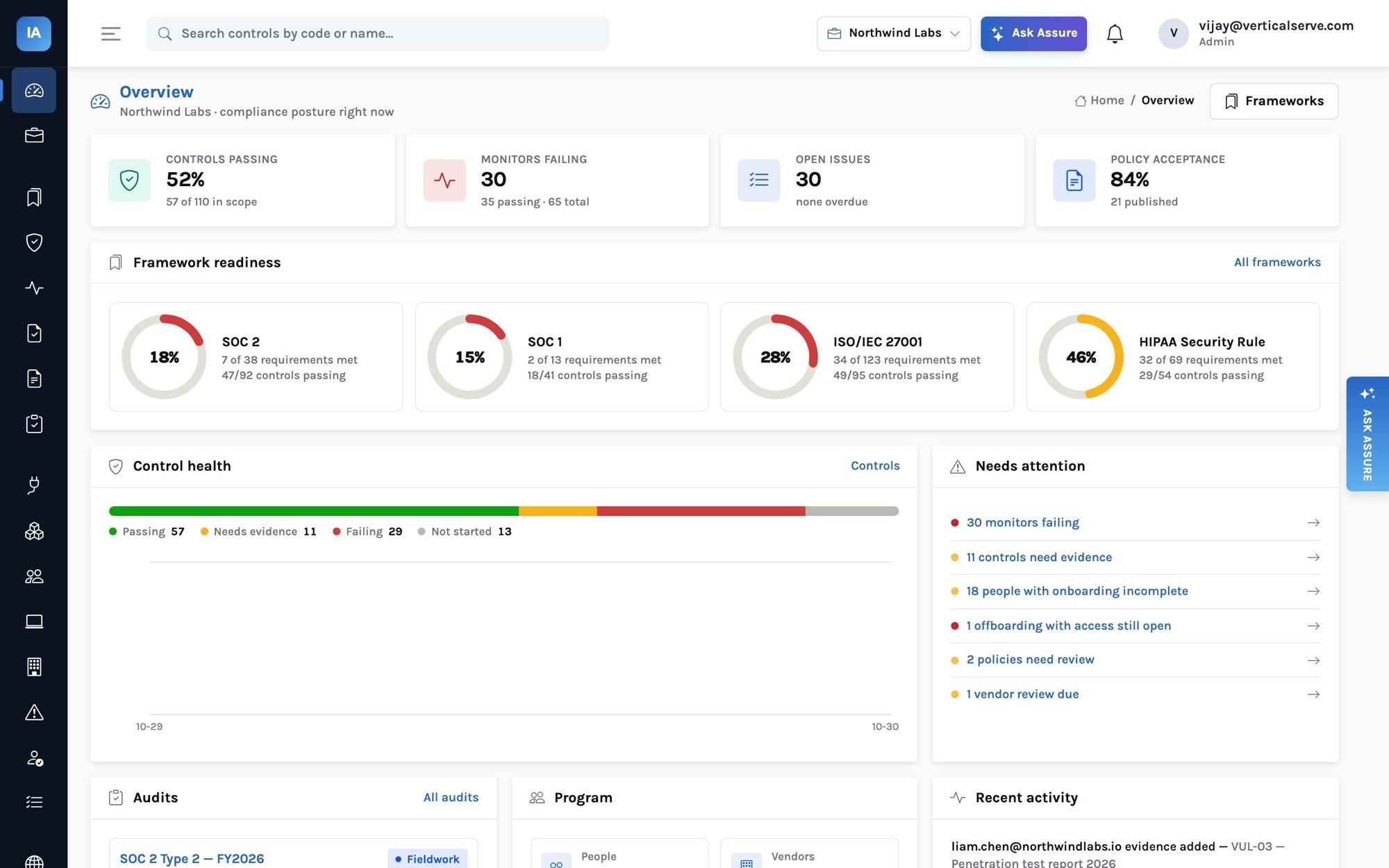
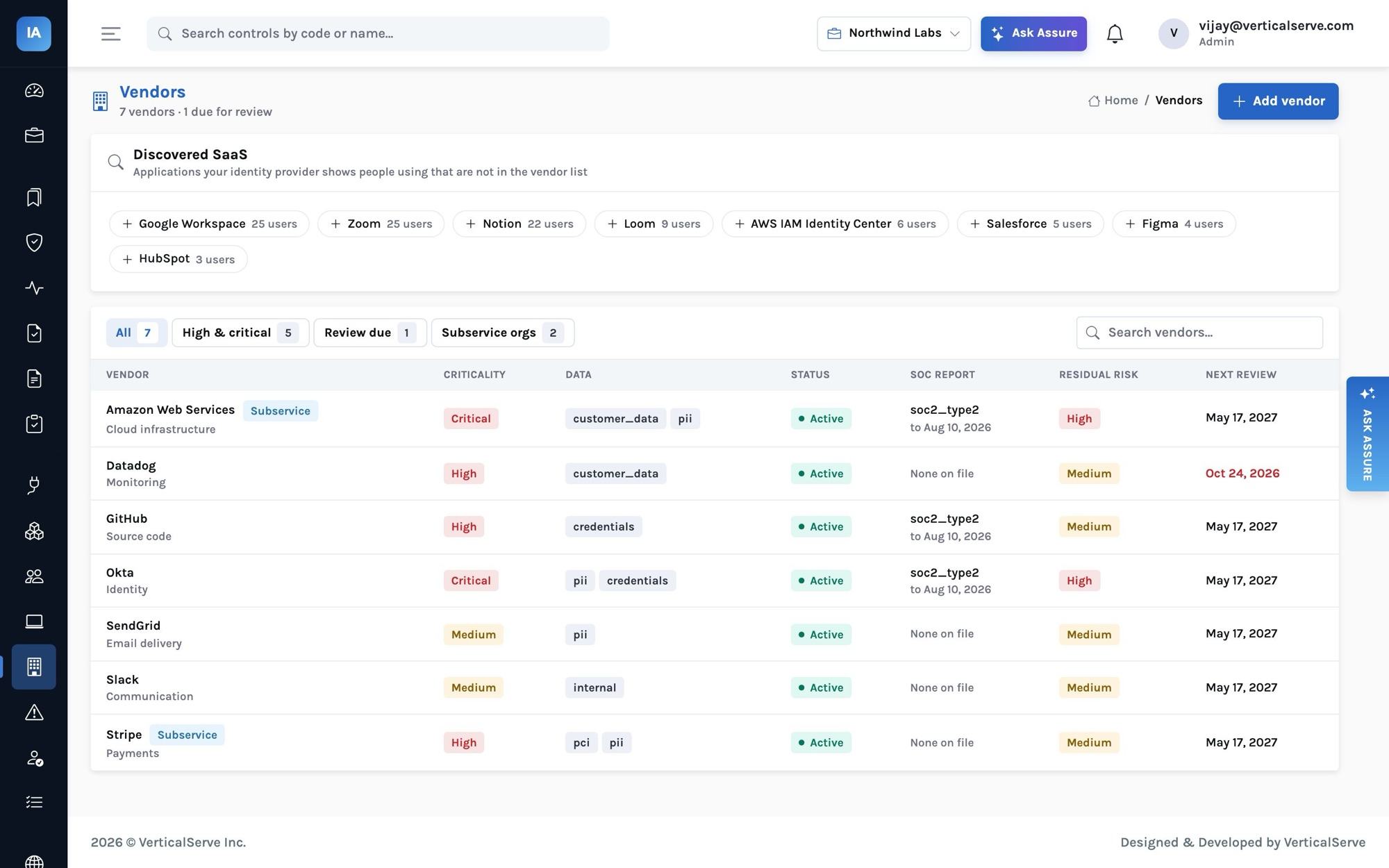
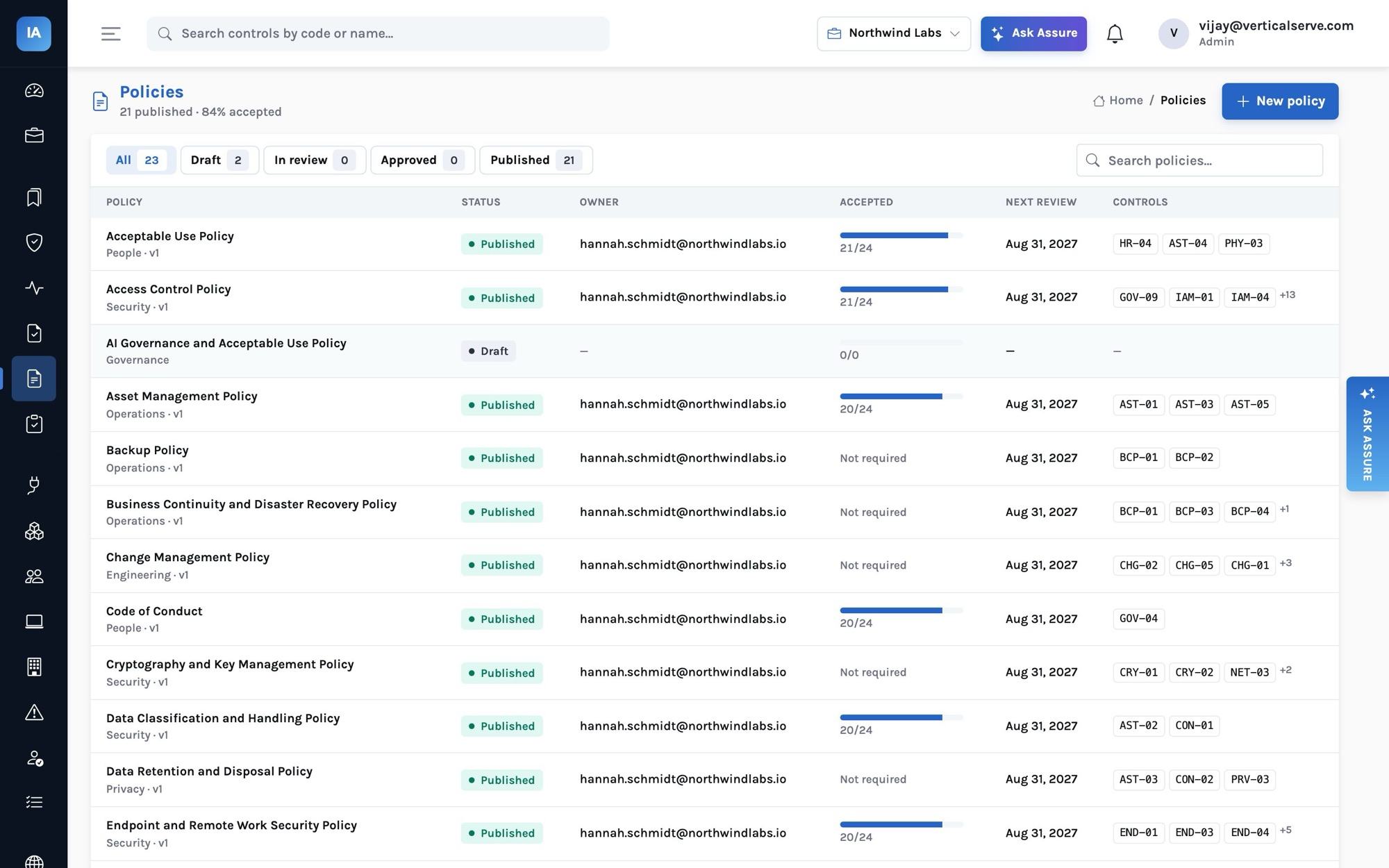
- Per client: the overview's needs-attention list: failing monitors, overdue issues, policies due for review, vendor reviews due.
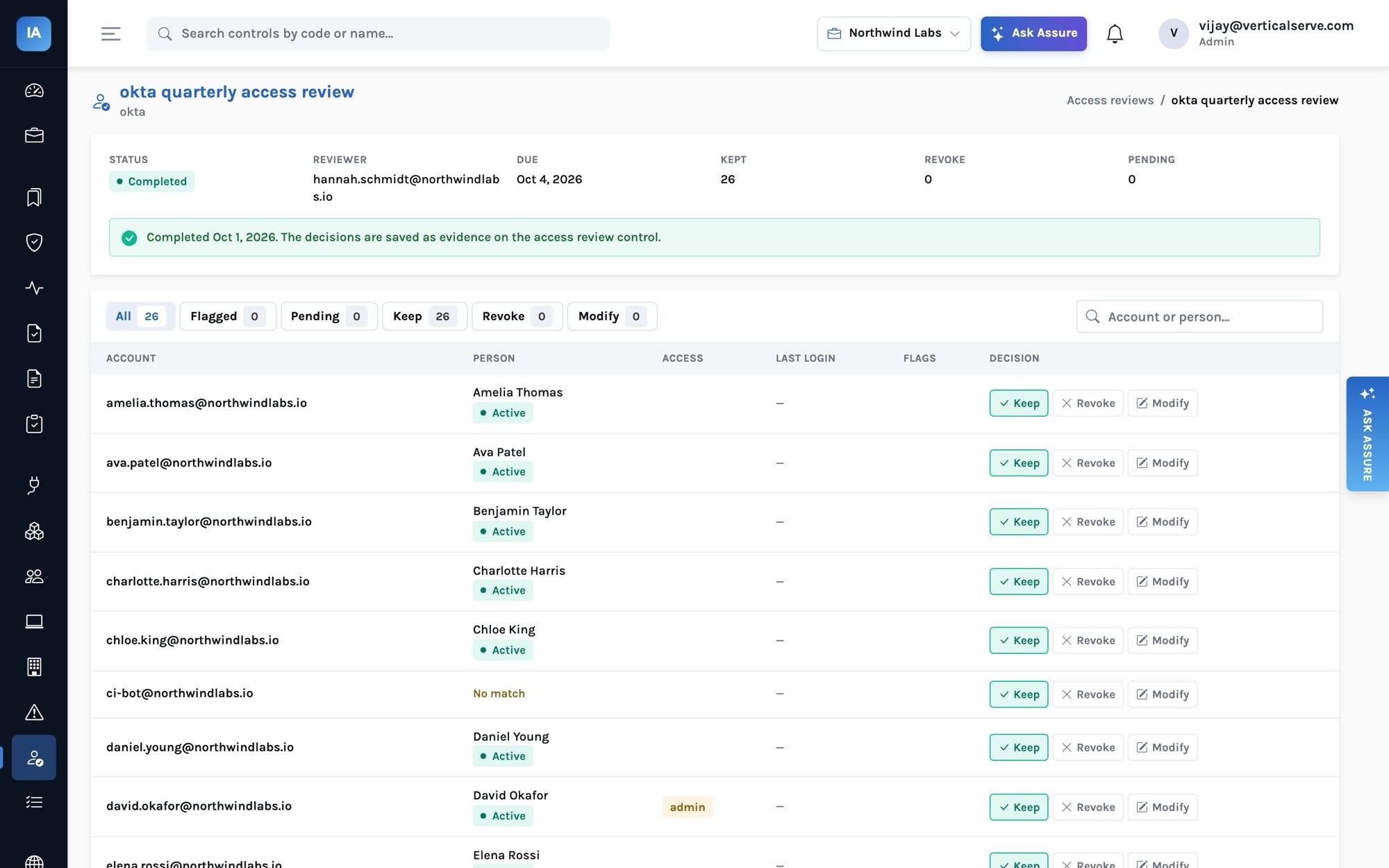
- Quarterly: start each client's access reviews; the campaigns flag terminated owners, accounts with no HR record, administrators, inactive accounts and missing MFA, and completing a campaign files the evidence and opens issues for every revoke.
- Audit season: create the audit, invite the firm, watch requests move; the auditor works in the client's workspace and sees only that audit.
What the client sees, and what the consultant sees
The same workspace serves both sides, through roles rather than separate tools:
- The client's executives (viewer) see the overview: readiness per framework, control health, what needs attention, audits in flight. That is the status report, without anyone writing one.
- Control owners (contributor) see the controls, issues and access-review items assigned to them, with each control's statement, test procedure and the evidence it needs — so "please send a screenshot of …" emails become a request in the tool with a due date.
- Employees see only My tasks: which policies to accept, which course to take, how to enroll their laptop.
- The consultant (compliance) sees everything in that client's program and nothing of any other client, unless they switch.
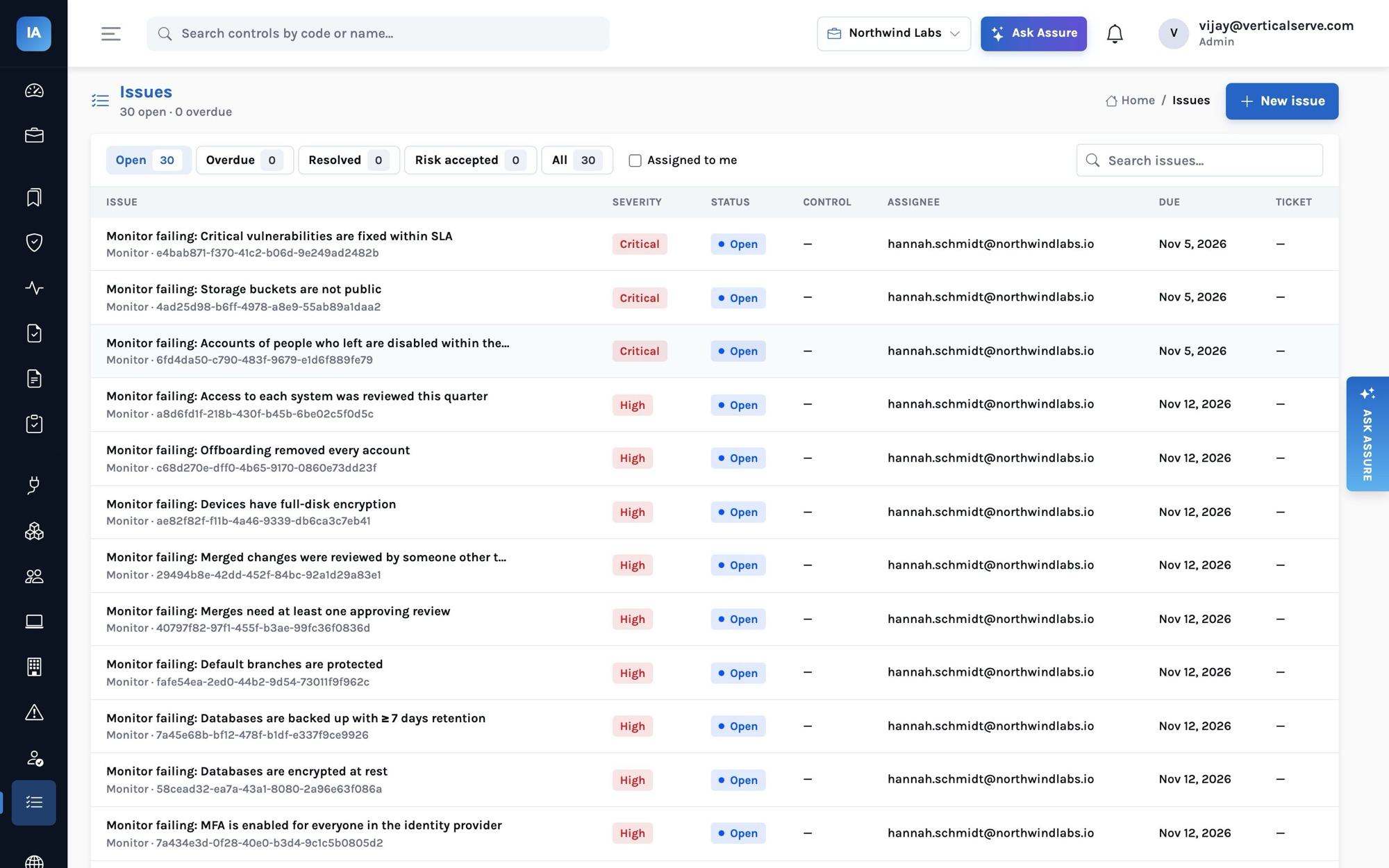
Remediation work lives in the issues queue whatever created it — a failing monitor, a revoke decision in an access review, a vendor report with exceptions, an audit finding. Issues can be pushed to the client's own Jira, Linear or Asana through a connected integration, so engineers work where they already work and the compliance record keeps the link.
Keeping clients separate in practice
Isolation in the database is necessary but not sufficient; the way the work is organized matters too. A few habits that the product supports:
- Separate accounts, same email. Because each workspace has its own account, a consultant's role can differ per client — compliance in one, viewer in another — and removing them from one client does not touch the others.
- Evidence never moves between workspaces. There is no copy-to-another-client function, deliberately. Templates (policies, controls, risks, answers) come from the shared library, not from another client's workspace.
- Credentials stay with the client. Integration credentials are sealed per connection; the API never returns them, so a consultant can see that Okta is connected and healthy without ever seeing the token.
- Auditors are per audit. Inviting a CPA firm to one client's SOC 2 gives it nothing in any other client's workspace, even if the same firm audits both.
Handing a program back
Engagements end. Because the program lives in the client's workspace rather than in the consultancy's files, handing it over means removing the consultant's account: policies with their approval history, evidence, monitor history, access reviews, vendor reviews and audit records all stay with the client. If the client moves to a self-hosted install, the same objects exist there.
Clients who host it themselves
Some clients — regulated, or with strict data-residency rules — run InsightAssure in their own environment. The product is the same; the consultant gets an account there instead of a workspace in the SaaS deployment. See Self-hosted compliance.
A note on independence
A consultancy that prepares a client's program is not the auditor of that program. SOC reports are issued by licensed CPA firms and ISO certificates by accredited certification bodies; InsightAssure's auditor role exists so that firm can work directly in the client's workspace, with access limited to its audit — which also keeps the line between preparing and attesting visible to everyone.