- contact@verticalserve.com
- Continuous compliance, proven every hour

Docs
Quickstart
From sign-in to your first tested controls, in five steps.
1. Sign in
On SaaS, VerticalServe creates your organization and its first administrator; sign in with that email and password or your identity provider. Self-hosted, ./install.sh asks for the organization name and administrator email and prints the first password once.
2. Run onboarding
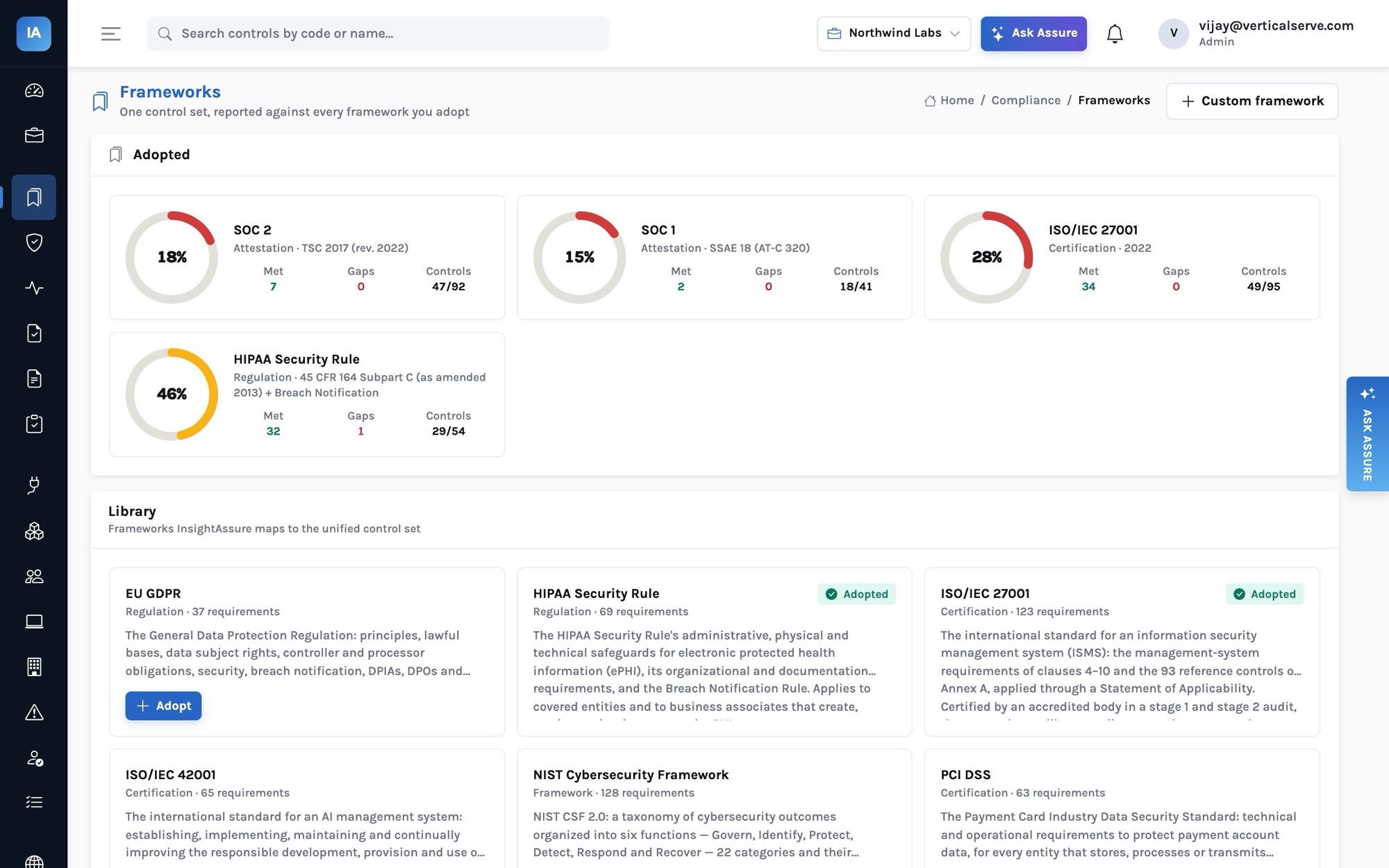
Onboarding is one call, safe to repeat. It adopts the frameworks you choose, creates every policy from its template as a draft, loads the risk library and seeds the answer library:
Onboarding from the API (the console does the same)curl -X POST https://assure.example.com/api/settings/onboard \
-H "Authorization: Bearer $TOKEN" -H "Content-Type: application/json" \
-d '{"frameworks": ["soc2", "soc1", "iso27001"], "company_name": "Acme"}'For SOC 2, choose the Trust Services Categories under the framework’s settings: Security is always in scope; Availability and Confidentiality are on by default; Processing Integrity and Privacy are out until you add them, each excluded criterion carrying its justification.
3. Connect the first integrations
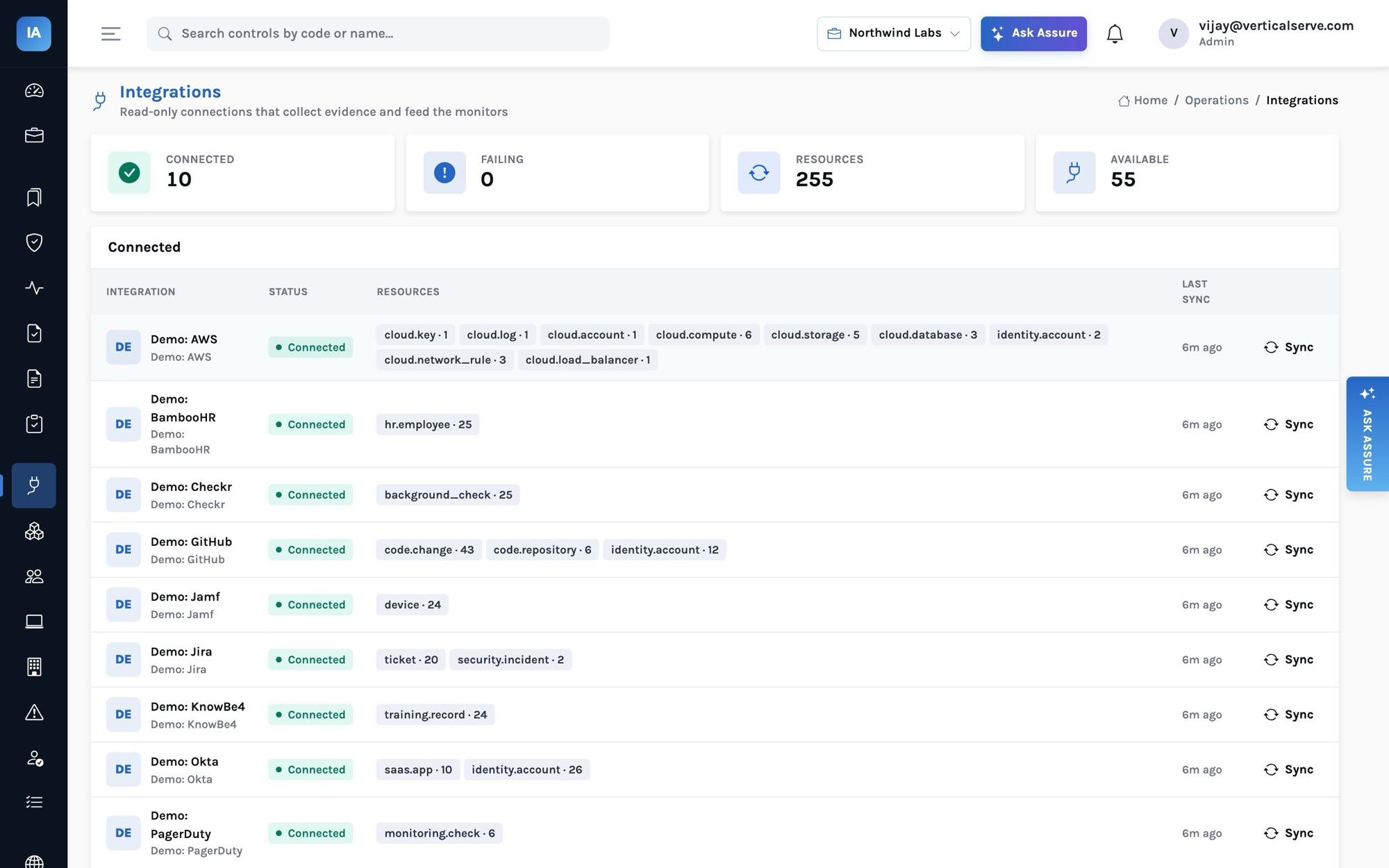
Integrations → pick a connector → paste a read-only credential. Each connector’s panel says exactly which permission it needs. The first sync runs at once; after that every six hours by default. Start with:
| System | Why first | Feeds |
|---|---|---|
| Identity provider (Okta, Google Workspace, Entra ID, JumpCloud, OneLogin) | Accounts, MFA, administrators | IAM-01, IAM-02, IAM-06, IAM-10 |
| HR system (BambooHR, Gusto, Rippling, HiBob, Personio, Deel, Workday) | Who works here, start and end dates | People, onboarding, HR-07 and IAM-07 offboarding |
| Cloud (AWS, GCP, Azure) | Buckets, databases, logging, keys, network rules | CRY-01, NET-01, LOG-01, BCP-01 |
| Source control (GitHub, GitLab, Bitbucket, Azure DevOps) | Branch protection and merged changes | CHG-02, CHG-03, CRY-03, VUL-05 |
4. Bring people in
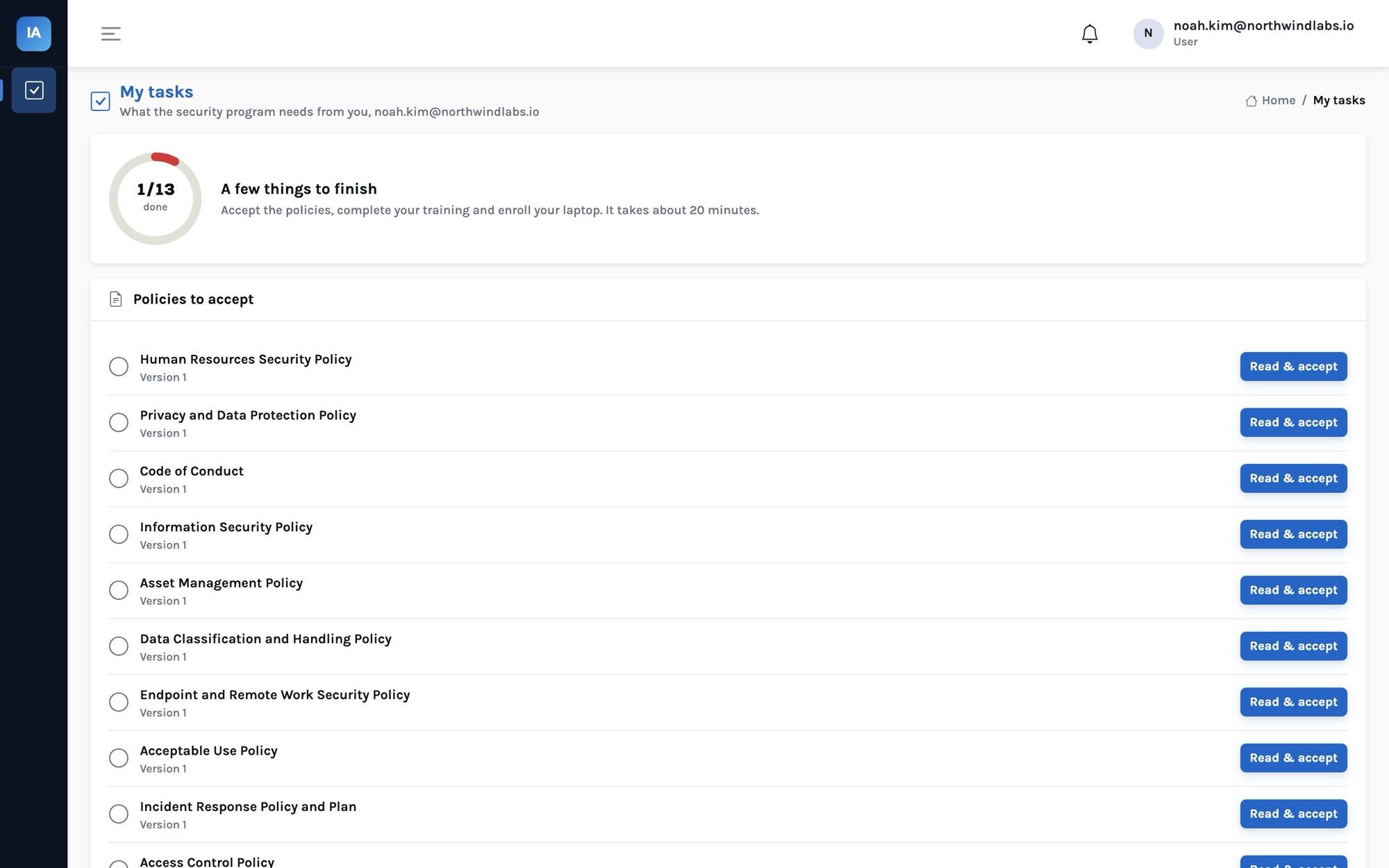
People are built from the HR system (or the identity provider when there is no HR system). Give employees the employee role: they sign in to My tasks, read and accept each published policy, take security awareness training with its quiz, and copy the command that enrolls their laptop.
5. Read the first results
Monitors run hourly and after every sync. Monitors lists them by status; a failing one names each failing resource, the reason and the fix, and opens an issue with a due date by severity. Controls shows each control’s health and why. Framework readiness is requirements met over requirements in scope.
| Control health | When |
|---|---|
| Failing | A linked monitor is failing |
| Not started | No monitor, no evidence and no published policy yet |
| Needs evidence | A manual or hybrid control without accepted evidence collected inside its window (continuous or daily 7 days, weekly 14, monthly 45, quarterly 120, annually 395), or a linked policy not published or past review |
| Passing | Otherwise |
| Not applicable | Marked so, with a reason |
Next
- Publish policies: Policies → a draft → Submit → Approve → Publish.
- Add vendors (start from Discovered), review the critical ones’ SOC reports.
- Start a quarterly access review for each identity system.
- When ready, create the audit and invite your auditor.